找到
983
篇与
潼语
相关的结果
- 第 196 页
-
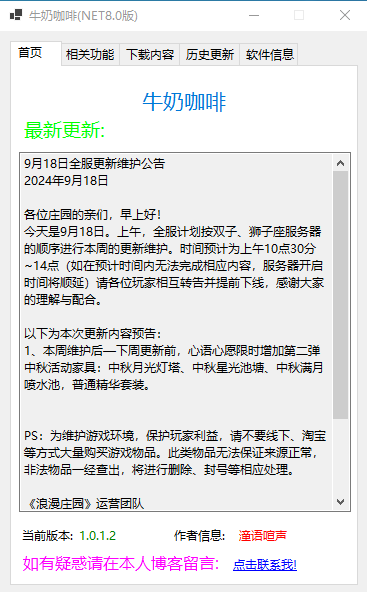
 牛奶咖啡更新日志 前言 本工具使用C#搭载NET Croe 8.0框架编译而成,软件功能单一更多功能慢慢开发中,仅供自己娱乐使用版本说明 从1.43.3.1版本开始将不按照顺序填写版本号,以此版本为例:1表示大版本号;43表示今年的第几周;3表示当周的第几天更新的;最后的1表示小版本号效果图 效果图图片 更新历程 {collapse-item label="详细更新说明" close} 19be6b 19be6b 19be6b 19be6b 19be6b 19be6b 19be6b 19be6b 19be6b 19be6b 19be6b 19be6b 19be6b 19be6b 19be6b 19be6b 19be6b 19be6b 19be6b 19be6b 19be6b 19be6b 19be6b 19be6b 19be6b 19be6b 19be6b 19be6b 19be6b 19be6b 19be6b 19be6b 19be6b 19be6b 19be6b 19be6b 19be6b 19be6b 19be6b 19be6b 19be6b 19be6b 19be6b 19be6b 19be6b 19be6b 19be6b 19be6b 19be6b 19be6b 19be6b 19be6b 19be6b 19be6b 19be6b 19be6b 19be6b 19be6b 19be6b 19be6b 19be6b 19be6b 19be6b 19be6b 19be6b 19be6b 19be6b 19be6b 19be6b 19be6b 19be6b 19be6b 19be6b 19be6b 19be6b 19be6b 19be6b 19be6b 19be6b 19be6b 19be6b 19be6b 19be6b 19be6b 19be6b 19be6b 19be6b 19be6b 19be6b 19be6b 19be6b 19be6b 19be6b 19be6b 19be6b 19be6b ed4014 {/collapse-item} 下载地址 目前仅供个人使用,暂未开发开放版本!!!
-
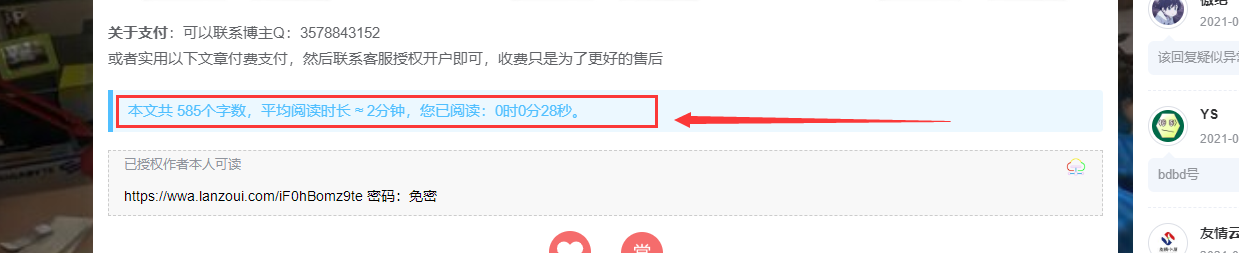
【Typecho】的Joe主题新增文章阅读时长统计 成品演示 效果图图片 教程开始 第一步 修改 functions.php 文件,底部增加,文件路径: /usr/themes/Joe 注意:代码一定要在</>之间,否则会报错 // 文章阅读时长设置 $onlineTime = new Typecho_Widget_Helper_Form_Element_Select( 'onlineTime', array( 'off' => '关闭(默认)', 'on' => '开启', ), 'on', '是否启用文章阅读时长统计', '介绍:开启后,文章底部展示文章字数,预计阅读时长和已阅读时长' ); $onlineTime->setAttribute('class', 'joe_content joe_post'); //如果设置无法展示,请将joe_custom替换为joe_other $form->addInput($onlineTime->multiMode());截图说明:图片 第二步 2.修改 article.php 文件,文件路径: usr/themes/Joe/module/single <div class="contain" style="margin-bottom: 10px; <?php if(Helper::options()->onlineTime !== 'on') echo 'display:none;' ?>"> <blockquote id="onlineTime">本文共 <?php art_count($this->cid); ?> 个字数,平均阅读时长 ≈ <?php echo art_time($this->cid); ?>分钟</blockquote> </div>截图说明:图片 第三步 3.修改 article.php 文件,文件路径: usr/themes/Joe/module/single 在最底部添加以下代码: <?php //文章阅读时间统计 function art_time ($cid){ $db=Typecho_Db::get (); $rs=$db->fetchRow ($db->select ('table.contents.text')->from ('table.contents')->where ('table.contents.cid=?',$cid)->order ('table.contents.cid',Typecho_Db::SORT_ASC)->limit (1)); $text = preg_replace("/[^\x{4e00}-\x{9fa5}]/u", "", $rs['text']); $text_word = mb_strlen($text,'utf-8'); echo ceil($text_word / 400); } //文章字数统计 function art_count ($cid){ $db=Typecho_Db::get (); $rs=$db->fetchRow ($db->select ('table.contents.text')->from ('table.contents')->where ('table.contents.cid=?',$cid)->order ('table.contents.cid',Typecho_Db::SORT_ASC)->limit (1)); $text = preg_replace("/[^\x{4e00}-\x{9fa5}]/u", "", $rs['text']); echo mb_strlen($text,'UTF-8'); } ?> <script language="javascript"> var second=0; var minute=0; var hour=0; window.setTimeout("interval();",1000); function interval() { second++; if(second==60) { second=0;minute+=1; } if(minute==60) { minute=0;hour+=1; } var onlineTime = "您已阅读:" + hour + "时" + minute + "分" + second + "秒。"; var joe_message_content = "本文共 " + <?php art_count($this->cid); ?> + "个字数,平均阅读时长 ≈ " + <?php echo art_time($this->cid); ?> + "分钟,"; $('#onlineTime').text(joe_message_content + onlineTime); window.setTimeout("interval();", 1000); } </script>截图说明:图片
-
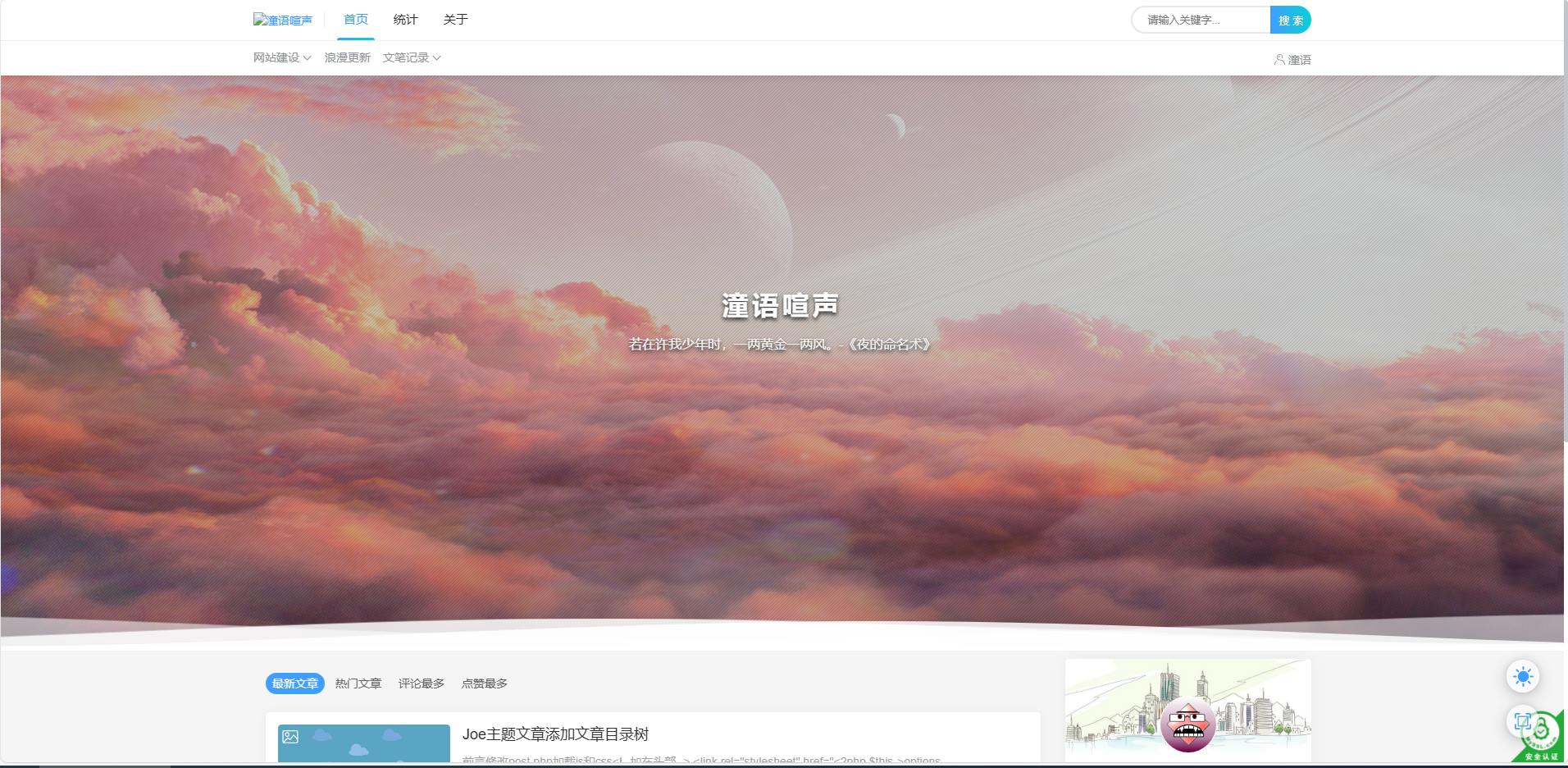
typecho joe主题优化日志 前言 博主使用了typecho进行博客网站的建立,目前还处于使用易航修改版本,后续争取把模板修改的更完美。配置为 typecho1.2.1 php7.4(后续会更新为PHP8.0及以上版本) 效果可看如下: 博客效果图图片 建议使用最新 Joe7.7.1 版本,较以往版本带来了更快的网站加载速度 具体修改内容 设置复制文本版权说明 效果: 著作权归作者所有。 商业转载请联系作者获得授权,非商业转载请注明出处。 作者:潼语 博客:潼语喧声 来源:https://tycoo.top/archives/5.html 链接:https://tycoo.top/ 教程: 只要在主题里的页脚文件 foot.php 或者 footer.php 最下面放入以下代码就可以了。 然后就完成了,别人复制你网站的东西就会有版权说明了,记得把上面代码中的名字以及网站网址,修改成你自己的至此就可以实现了。 在 joe 中代码位置为 /usr/themes/Joe/public/footer.php 修改位置为 footer.php < script > 前 代码如下: 隐藏内容,请前往内页查看详情 设置主题字体 字体名称 此次使用的是阿里妈妈刀隶体,具体效果请看本站博客. 修复博客后台公开度相关内容报错的问题 问题所在 在后台发表文章页面右侧高级选项中的公开度,由于PHP升级到7.2版本以后,在密码保护选项如果密码框是空的,则会报错,由于7.2版本以后不允许接收空值. 修复后效果图如下: 公开度图片 教程 隐藏内容,请前往内页查看详情 主题相关小修复 隐藏内容,请前往内页查看详情
-
Joe主题文章添加文章目录树 前言 修改 post.php 加载js和css <!--加在头部--> <link rel="stylesheet" href="<?php $this->options->themeUrl('assets/css/jfloor.min.css'); ?>"> <!-- body标签 最下面 --> <?php if ($this->options->jfloor === 'on') : ?> <!-- 目录树 --> <script src="<?php $this->options->themeUrl('assets/js/jfloor.min.js'); ?>"></script> <?php endif; ?> 加载功能代码,大概41行 <div class="joe_container j-post"> <section class="j-adaption" style="height: auto !important;"> <?php if ($this->options->jfloor === 'on') : ?> <?php GetCatalog(); ?> <?php endif; ?> ... </div>functions.php 后台功能开关 //开启文章目录树显示 $jfloor = new Typecho_Widget_Helper_Form_Element_Select( 'jfloor', array( 'off' => '关闭(默认)', 'on' => '开启', ), 'off', '是否启用文章目录树显示', '介绍:开启之后 在文章最左侧显示目录树(手机端不显示)' ); $jfloor->setAttribute('class', 'joe_content joe_post'); $form->addInput($jfloor->multiMode());core/function.php 目录树函数,放在文件最后 /*生成文章目录树*/ function CreateCatalog($obj) { global $catalog; global $catalog_count; $catalog = array(); $catalog_count = 0; $obj = preg_replace_callback('/<h([1-6])(.*?)>(.*?)<\/h\1>/i', function ($obj) { global $catalog; global $catalog_count; $catalog_count++; $catalog[] = array('text' => trim(strip_tags($obj[3])), 'depth' => $obj[1], 'count' => $catalog_count); return '<h' . $obj[1] . $obj[2] . ' id="cl-' . $catalog_count . '"><span>' . $obj[3] . '</span></h' . $obj[1] . '>'; }, $obj); return $obj; } /*获取文章目录树*/ function GetCatalog() { global $catalog; $index = ''; if ($catalog) { $index = '<ul>'; $prev_depth = ''; $to_depth = 0; foreach ($catalog as $catalog_item) { $catalog_depth = $catalog_item['depth']; if ($prev_depth) { if ($catalog_depth == $prev_depth) { $index .= '</li>'; } elseif ($catalog_depth > $prev_depth) { $to_depth++; $index .= '<ul>'; } else { $to_depth2 = ($to_depth > ($prev_depth - $catalog_depth)) ? ($prev_depth - $catalog_depth) : $to_depth; if ($to_depth2) { for ($i = 0; $i < $to_depth2; $i++) { $index .= '</li></ul>'; $to_depth--; } } $index .= '</li>'; } } $index .= '<li><a href="#cl-' . $catalog_item['count'] . '" data-href="#cl-' . $catalog_item['count'] . '">' . $catalog_item['text'] . '</a>'; $prev_depth = $catalog_item['depth']; } for ($i = 0; $i <= $to_depth; $i++) { $index .= '</li></ul>'; } $index = '<div class="j-floor s-j-floor"><div class="contain" id="jFloor" style="top: 126px;"><div class="title">文章目录</div>' . $index . '<svg class="toc-marker" xmlns="http://www.w3.org/2000/svg"><path stroke="var(--theme)" stroke-width="3" fill="transparent" stroke-dasharray="0, 0, 0, 1000" stroke-linecap="round" stroke-linejoin="round" transform="translate(-0.5, -0.5)" /></svg></div></div>'; } echo $index; }core/core.php 文章页面相应位置(初始化函数themeInit)加载,大约第83行 code here... /* 文章目录树 */ if ($self->is('single')) { $self->content = CreateCatalog($self->content); }需要的资源 文件 jfloor.min.css //样式 jfloor.min.js //功能实现 下载 JOE文章目录树 下载地址:https://pan.baidu.com/s/1o83oneH3WumzrmtUVdQM7w#list/path=%2F 提取码:w4ut
-
8月14日全服更新维护公告 8月14日全服更新维护公告 更新图片 各位庄园的亲们,早上好! 今天是8月14日。上午,全服计划按双子、狮子座服务器的顺序进行本周的更新维护。时间预计为上午9点00分~13点(如在预计时间内无法完成相应内容,服务器开启时间将顺延)请各位玩家相互转告并提前下线,感谢大家的理解与配合。 以下为本次更新内容预告: 1、8月14日更新后—下周更新前,“心语心愿”限时增加:游玩潜水艇、沙滩游泳池、海景度假酒店,普通和精华套装。 2、暑期资源收集活动第三期上线(本周更新后—8月29日23:59)。上线新款兑换家具:丝绸纺织店,返场“户外资源收集活动套装3”6件家具兑换。乐贝商城7折出售暑期工具。 PS:为维护游戏环境,保护玩家利益,请不要线下、淘宝等方式大量购买游戏物品。此类物品无法保证来源正常,非法物品一经查出,将进行删除、封号等相应处理。 《浪漫庄园》运营团队 2024.8.14